
Quality targeting
Constant quality style targets and average bitrate caps help you match streaming constraints or archival policy.
Capability map
These sections translate the interface into outcomes: fewer surprises at encode time, cleaner outputs, and repeatable batch behavior. When something goes wrong, start with Guides for step by step recovery.
HandBrake is built around understanding what is inside a file: video geometry, color characteristics, audio layouts, and subtitle tracks when present. Strong inspection habits prevent accidental square pixel assumptions, wrong field order, and mismatched audio channel layouts.
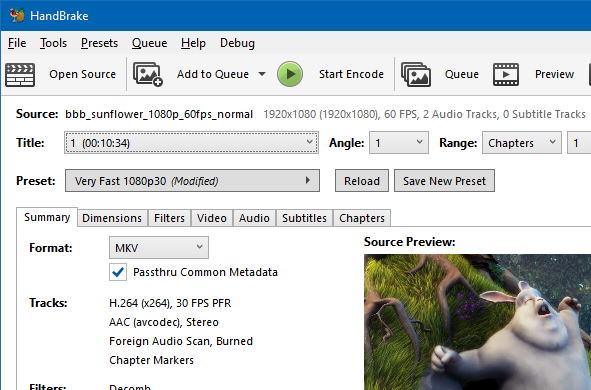
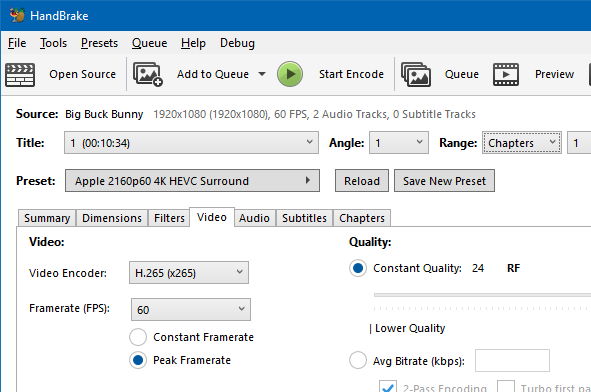
Long encodes behave like batch jobs. HandBrake provides the signals operators expect: progress, throughput, and enough context to decide whether to pause, adjust settings, or split work across machines.
Watch for thermal throttling on laptops when doing back to back encodes.
Keep one policy per queue to avoid mixed CFR and VFR assumptions.
In regulated environments, the feature that matters is governance: who may install, how updates propagate, and how integrity is verified. Pair HandBrake with standard endpoint controls, internal mirrors, and hash verification so help desk teams can defend the decision.
Document a single official acquisition path and train staff to reject repackaged installers.
Run encodes under standard user accounts and avoid permanent admin elevation.
Keep release notes with internal change tickets so upgrades are traceable.
HandBrake exposes the levers professionals argue about on purpose: rate control, encoder profiles, keyint behavior, audio bitrate, and container choices. The goal is not infinite knobs, it is informed tradeoffs between size, fidelity, and decode cost.
Constant quality style targets and average bitrate caps help you match streaming constraints or archival policy.
CFR and VFR decisions should match your player ecosystem and editing toolchain.
When enabled in your build and hardware, accelerated paths can shift the speed versus quality curve.
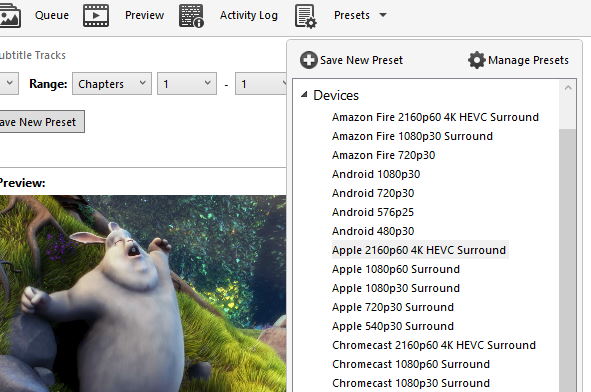
Presets exist so teams can agree on a baseline. Custom profiles capture institutional knowledge: acceptable sharpness, deinterlace defaults, and audio passthrough versus reencode rules.
Batch projects benefit when presets are named like policies, not like temporary experiments.
Cropping removes dead borders. Scaling aligns outputs to delivery resolutions. Detelecine and decomb style tools address inherited broadcast patterns. These steps are where many “broken looking” outputs are actually saved before compression even begins.
Fix common filter mistakes in GuidesQueues are HandBrake’s answer to repetitive work. Operators line up multiple sources, apply consistent settings, and walk away. Pair queues with sensible naming conventions for output files so downstream automation can ingest results without manual renaming.
When one title fails, isolate it, reduce parallelism, and capture logs. The Guides page includes a practical triage order.
Queue recovery stepsHandBrake’s ecosystem includes command line tooling and community automation patterns. This is where “plugin like” behavior appears in practice: scheduled encodes, watch folders implemented externally, and integration with archival systems.
Preset and job intent can be treated like configuration artifacts.
Pair GUI exploration with CLI batch execution once settings stabilize.
Some teams prefer alternate GUIs while keeping the same encoder core assumptions.
Download the build you verified, pin presets internally, and publish guides so new staff do not improvise risky settings.
